Features
Simple on the surface, with the power there when you want it. Every screen below is from the app itself, with made-up channels and titles.
Live TV
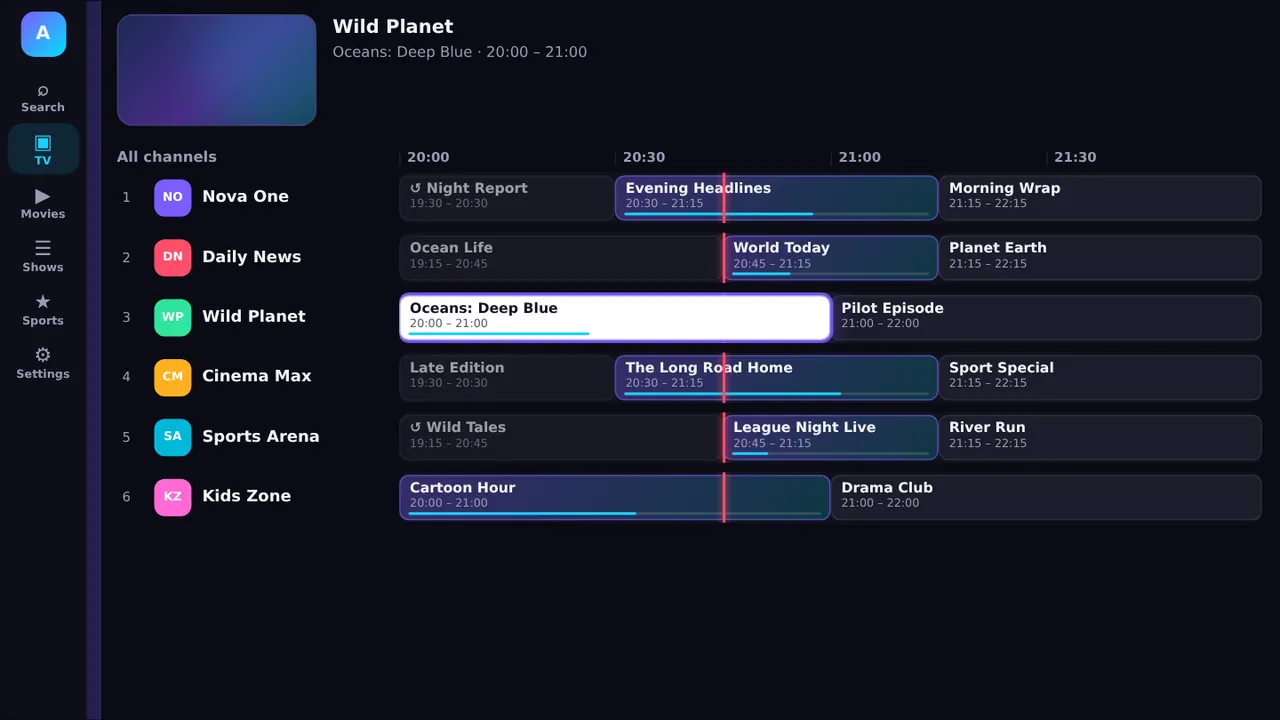
A time grid with a red now-line, categories, Favorites, Recently Viewed and catch-up replay where your provider keeps it. Menus fold away to give the guide the whole screen.
Player
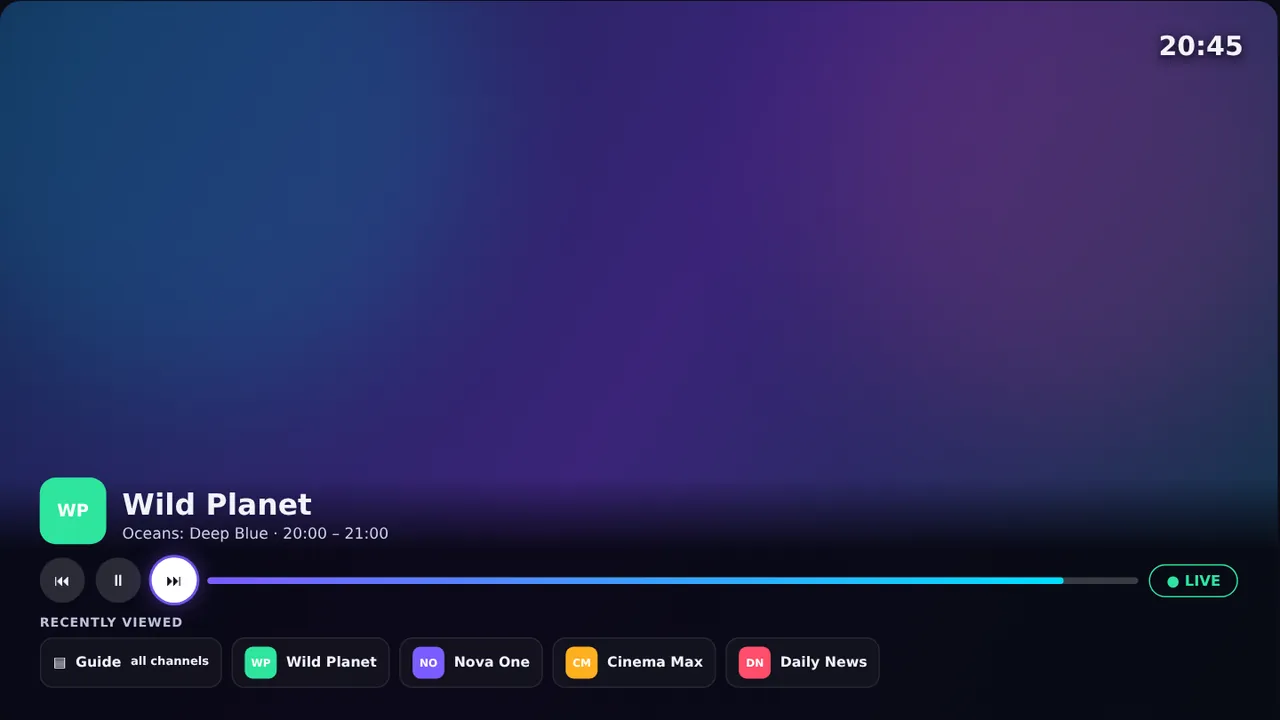
Pause and rewind live TV where your provider keeps catch-up, jump back to Live, and change channel with Up and Down. A Recently Viewed row brings your last channels back in a press.
Multiview
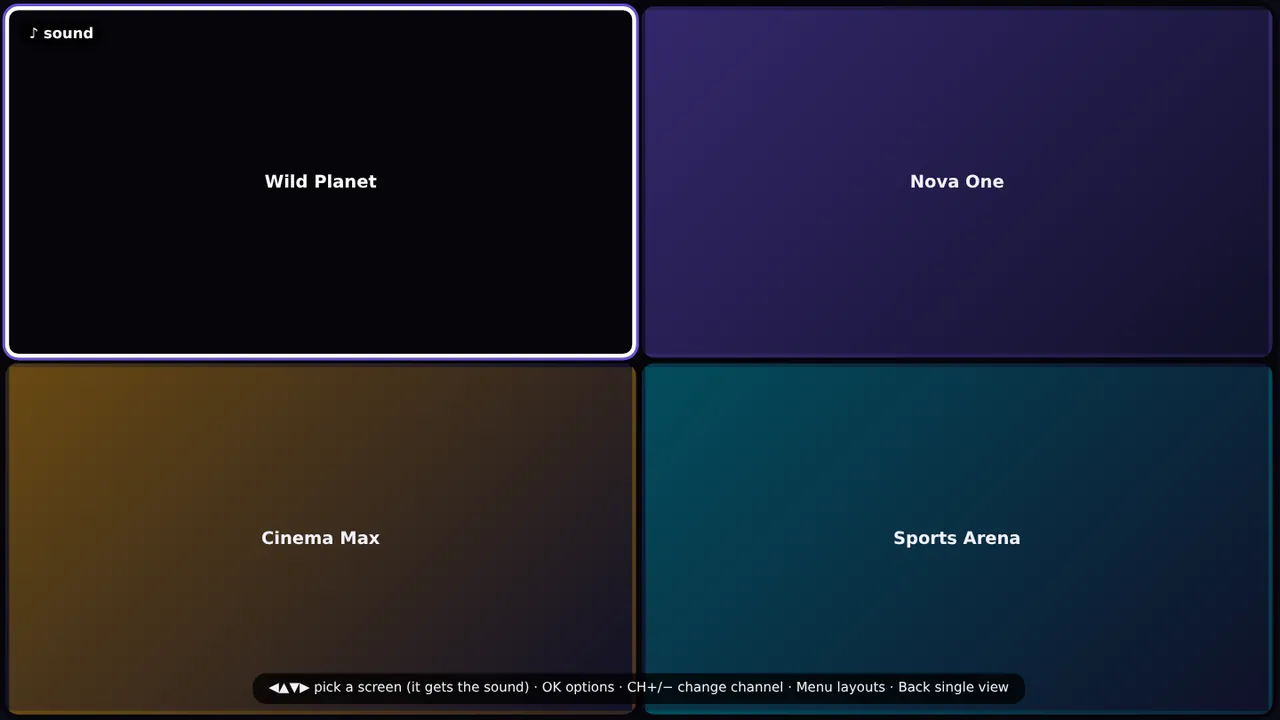
Great for match days and news. Sound follows the highlighted tile and you can swap channels without leaving the view.
Movies & shows
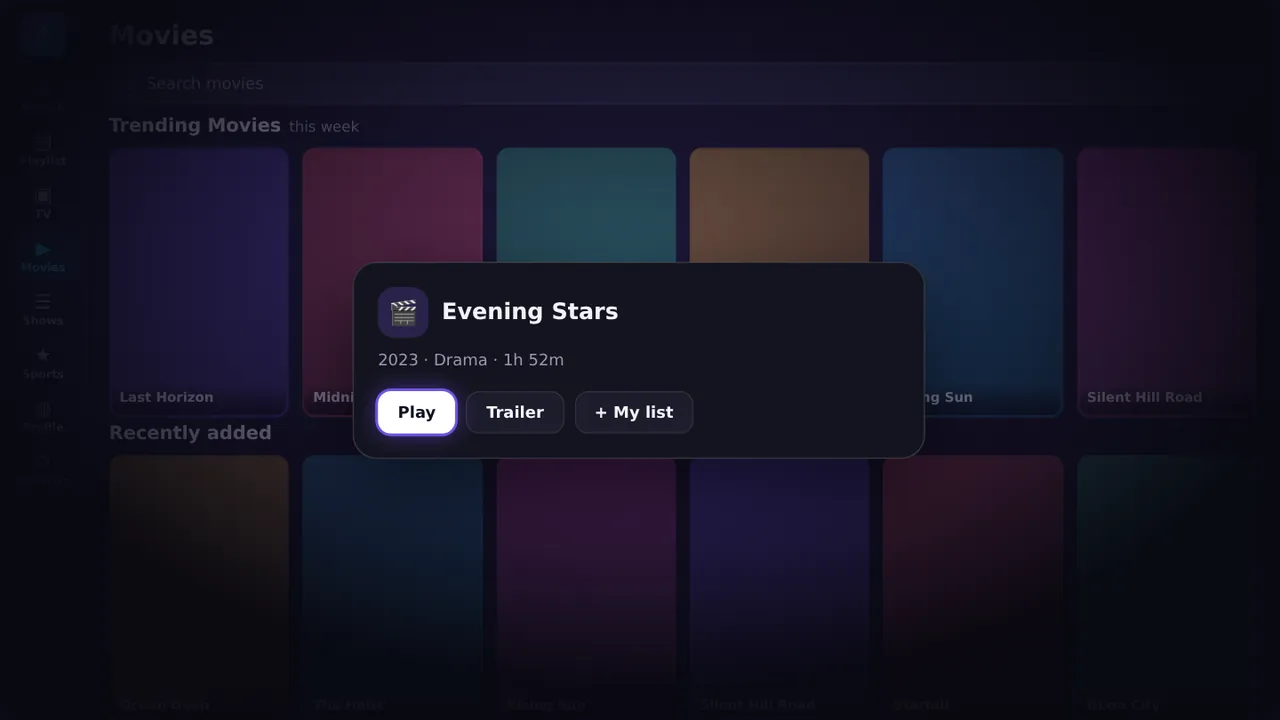
Shelves of movies and series, a Trending this week row, My list, Resume, trailers, season chips and quick search.
Sports
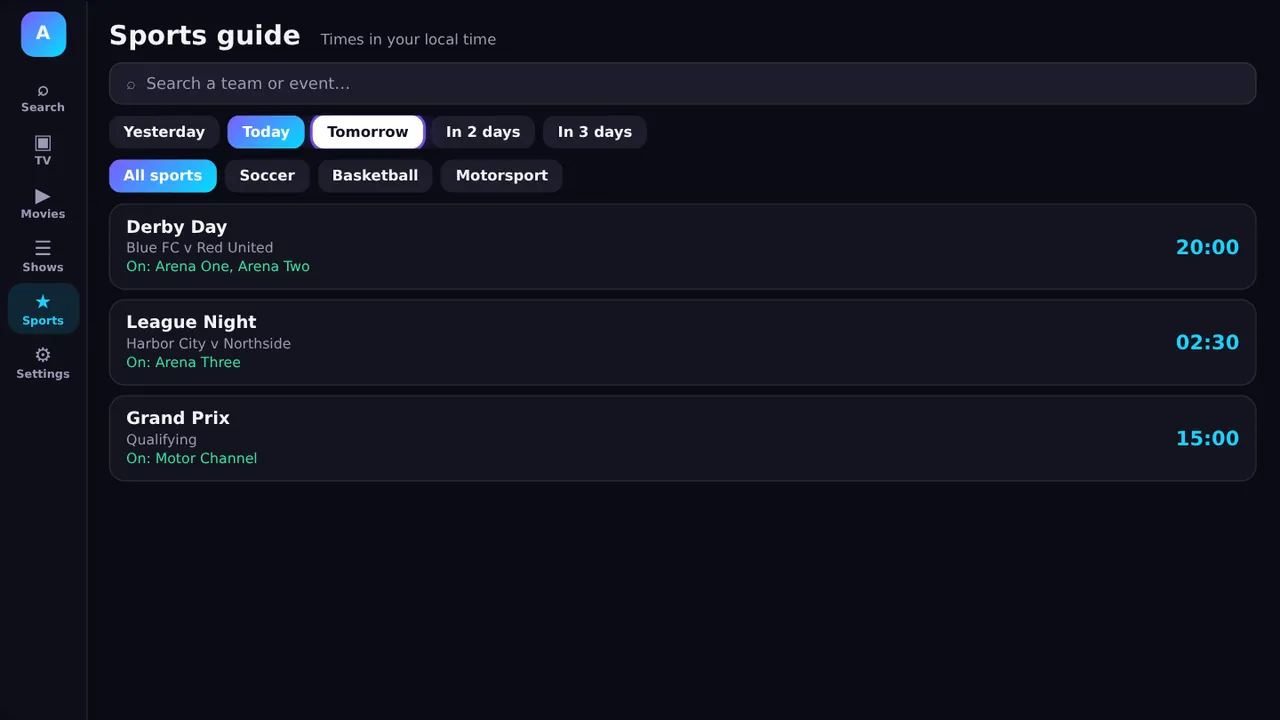
Look from yesterday to three days ahead, filter by sport, search a team or event, and see which channels carry it. Times are shown in your local time. Shown when your provider turns it on.
Family
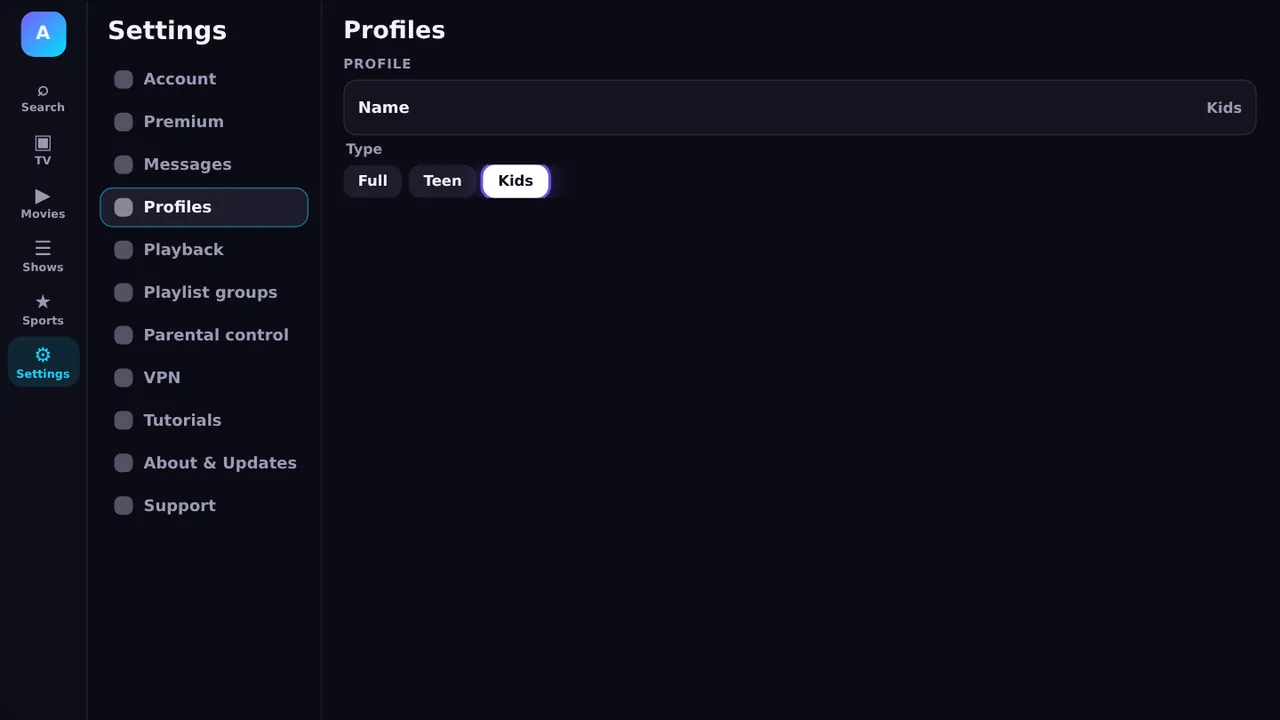
Each person gets their own favourites and history. Kids profiles lock the app down, with a PIN to leave, an age limit, a daily time limit and a bedtime.
Protection
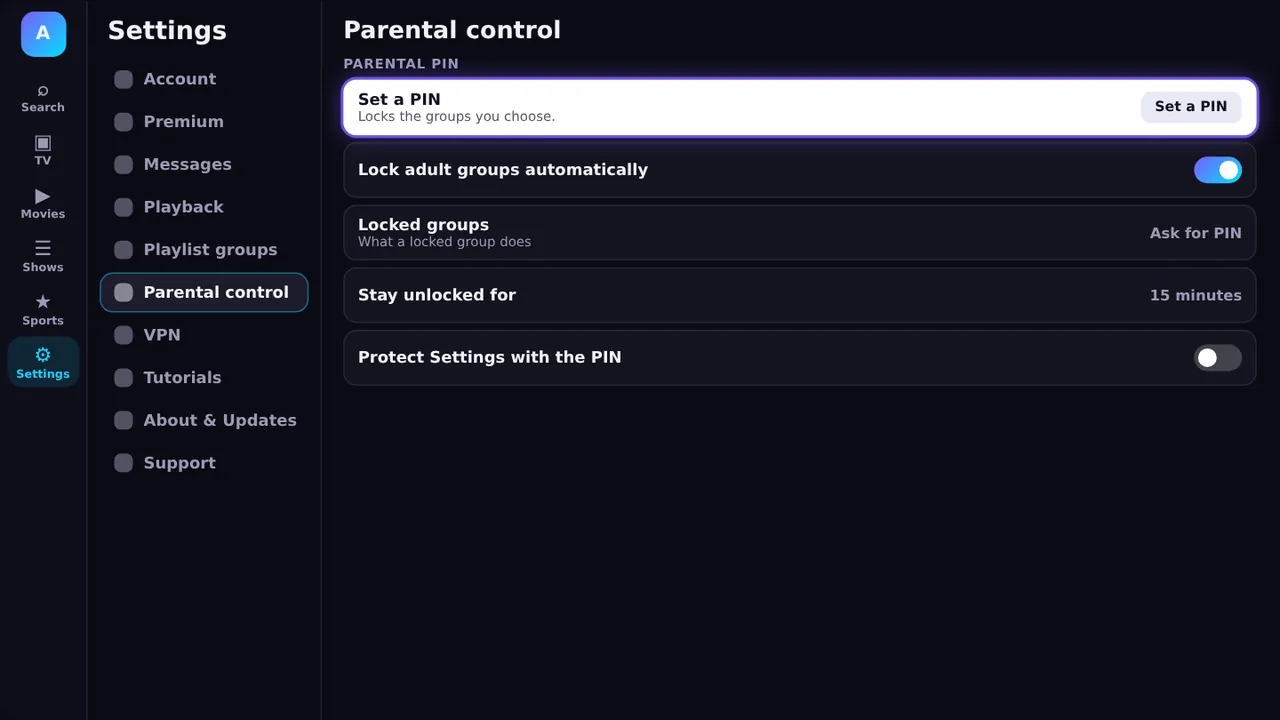
Set a 4-digit PIN and adult groups lock automatically. Locked groups stay out of Search, and settings can be protected by the same PIN.
Sign-in
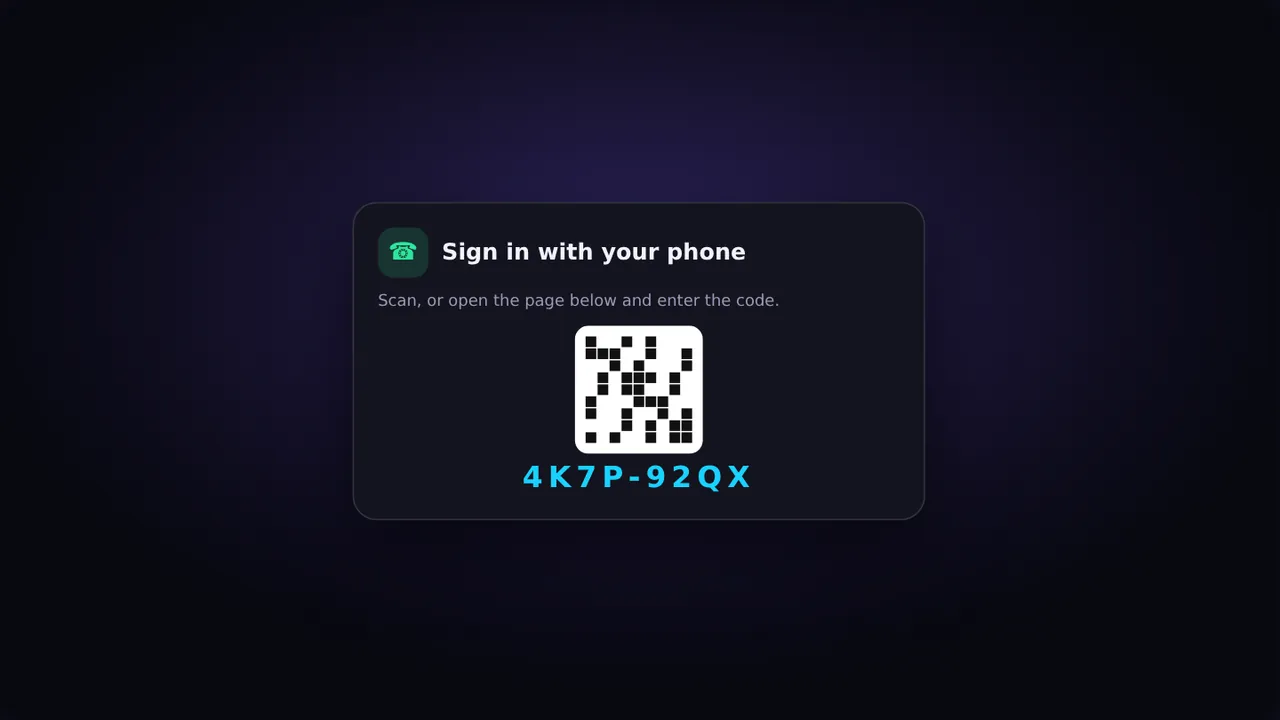
Scan the QR on your TV with your phone, or open the address shown and type the code. Add your playlist there, and the TV signs itself in.
Your playlist
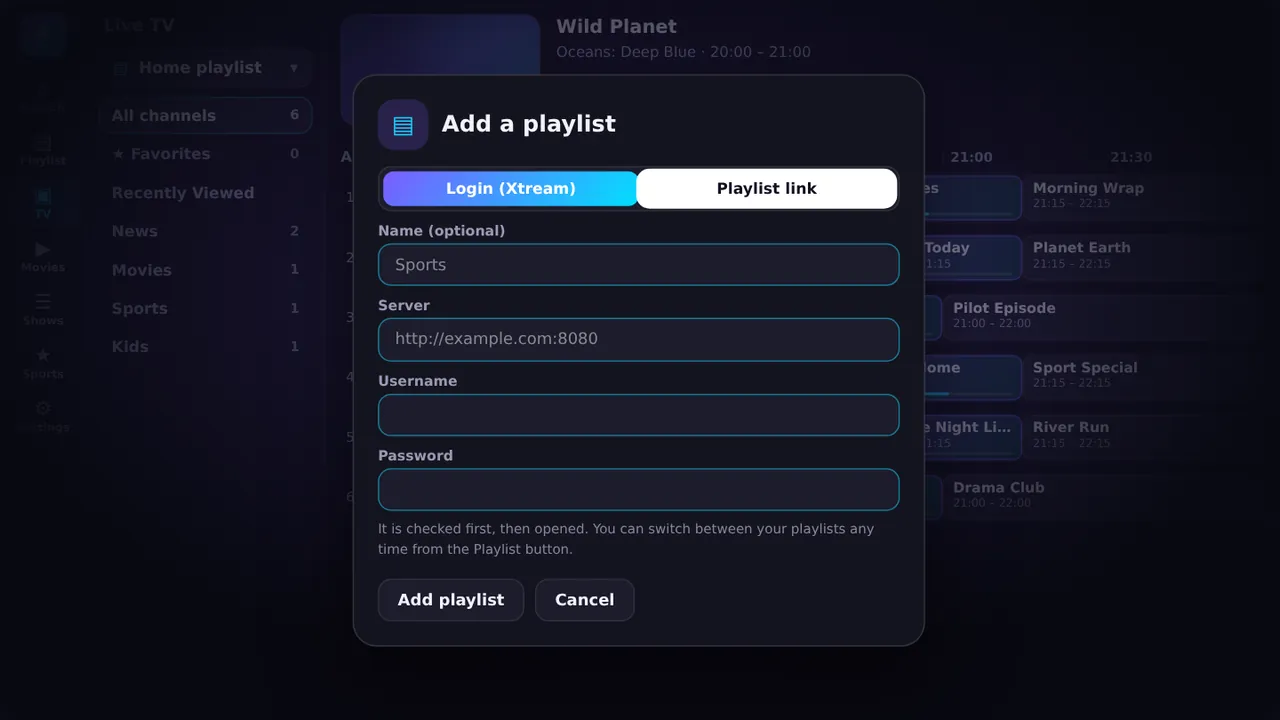
Add a playlist by login (server, username and password) or by link. We check it before saving. Keep up to eight and switch between them from the app.
Premium
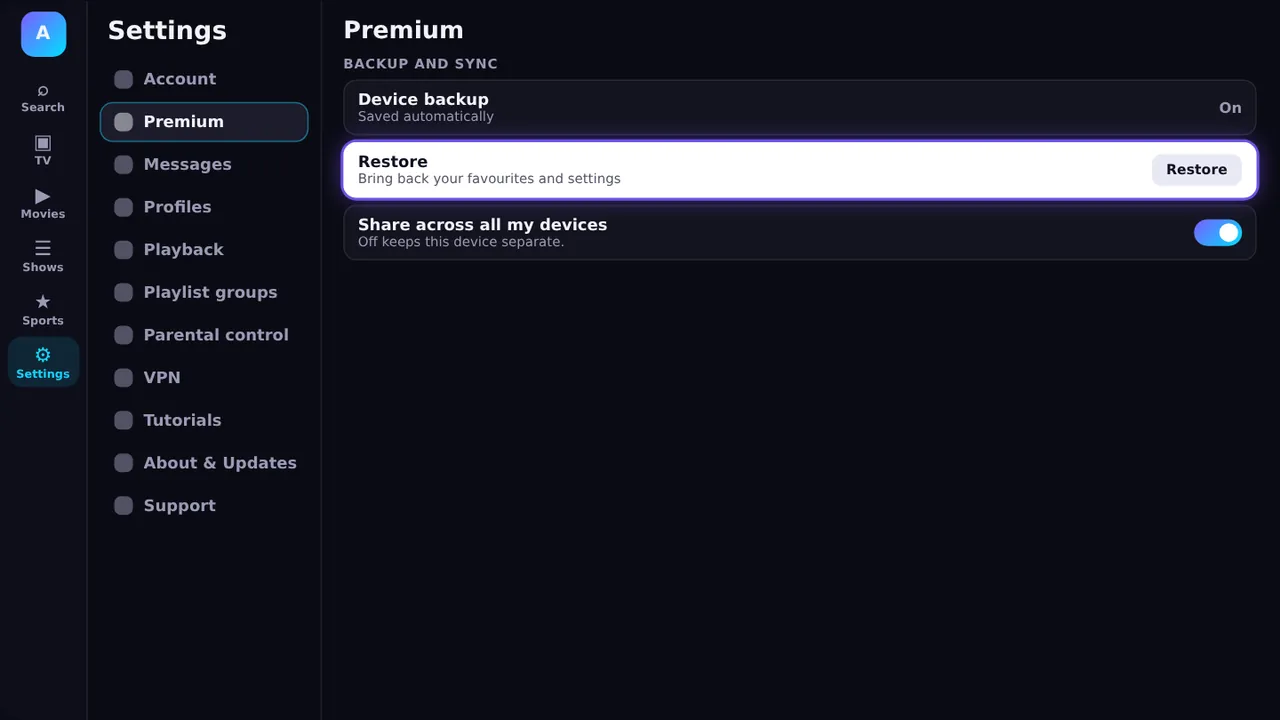
Reinstall or replace a box and it comes back as it was. Keep the same favourites and watch history on every device. $1 a month through Google Play.
And more
One search box across channels, movies and shows. Locked groups stay hidden.
Reorder, hide and lock groups so a long list becomes a short one.
Short guided lessons are built into the app, so there is no manual to read.
Notices from the people running your service land in one clear place.
Flag a bad channel in two taps and send a ready-made message to your provider.
Built to stay quick on modest Android TV and Fire TV hardware.
The app is all you need to start. Personal accounts, with saved playlists and linked TVs, are coming soon: leave your email and we will tell you the day they open.
One email when accounts open. Nothing else. Unsubscribe any time by asking us.
 AMP
AMP