Advanced Media Player Pro
A fast, beautiful guide, movies and shows, family profiles and multiview, built for the remote first. Bring your own playlist and press play.
AMP PRO is a media player only. We do not provide or sell any content.
What you get
Everything works with a TV remote first, and stays simple on a phone.
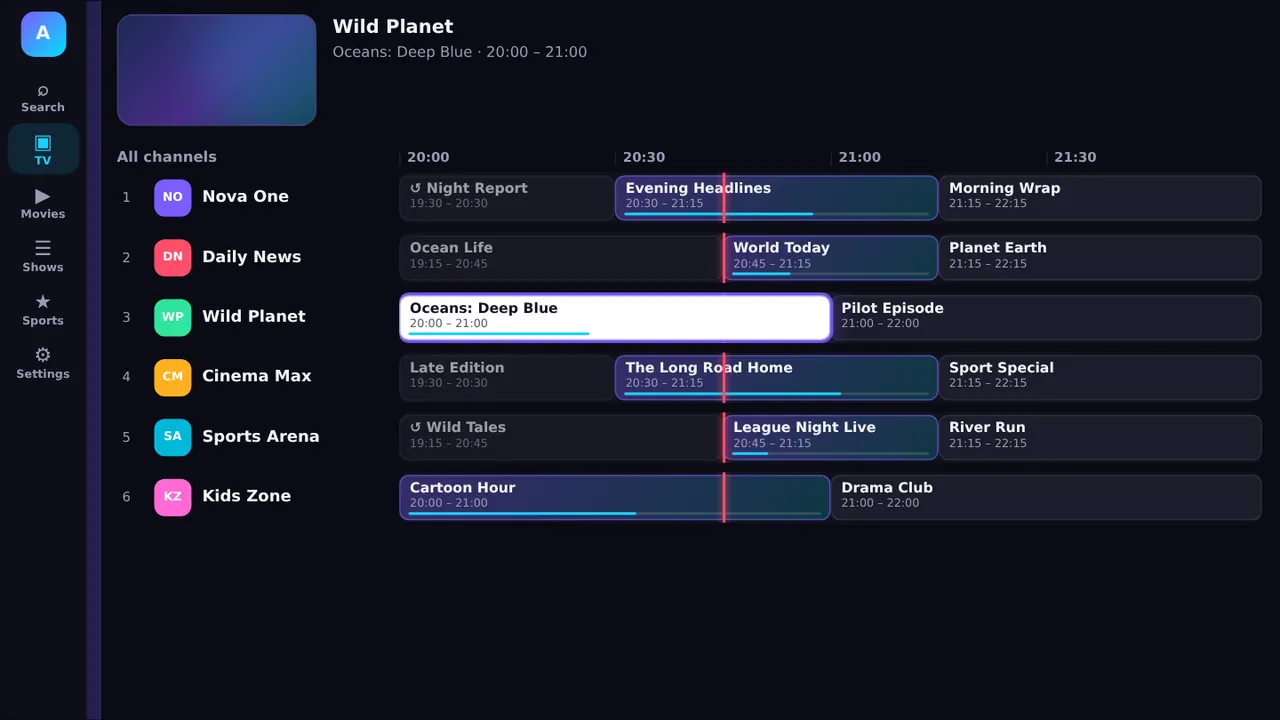
Live TV
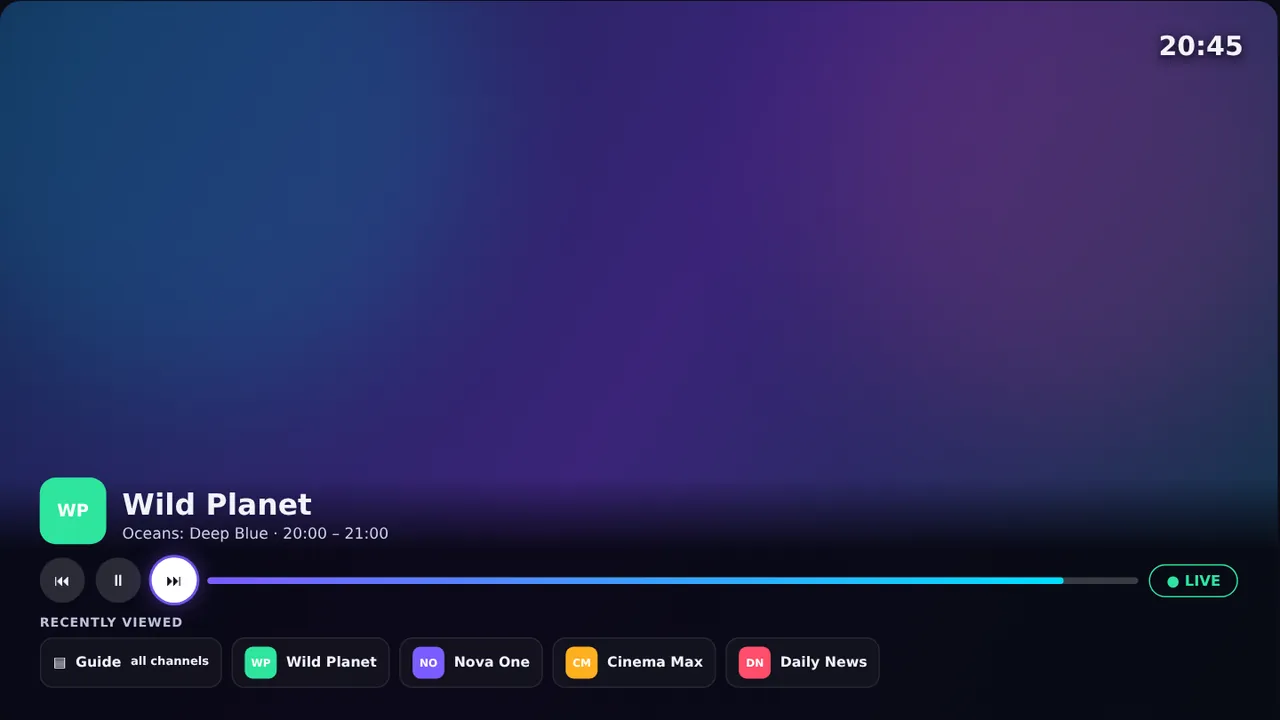
A proper time-grid guide with a red “now” line, Favorites and Recently Viewed. Pause and rewind live where your provider keeps catch-up, and zap with Up and Down.
Movies & shows
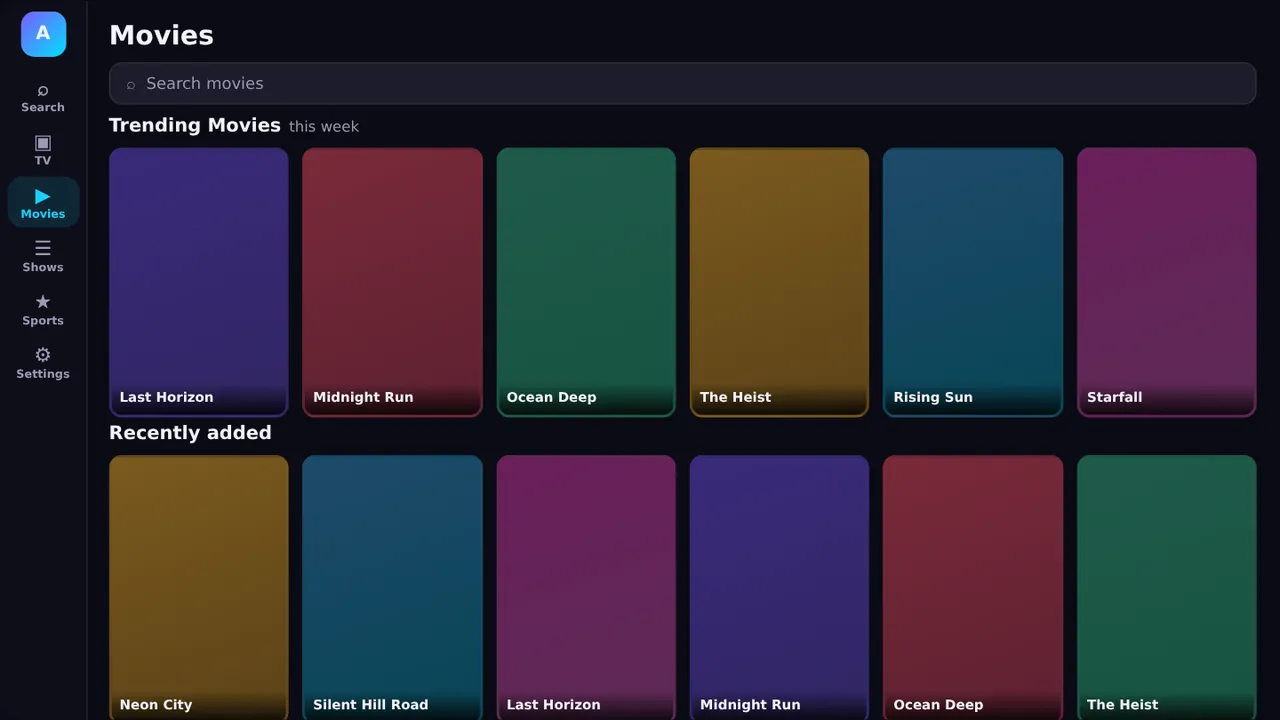
Browse shelves of movies and series, see what is trending, keep a My list, watch trailers and pick up exactly where you stopped.
Multiview
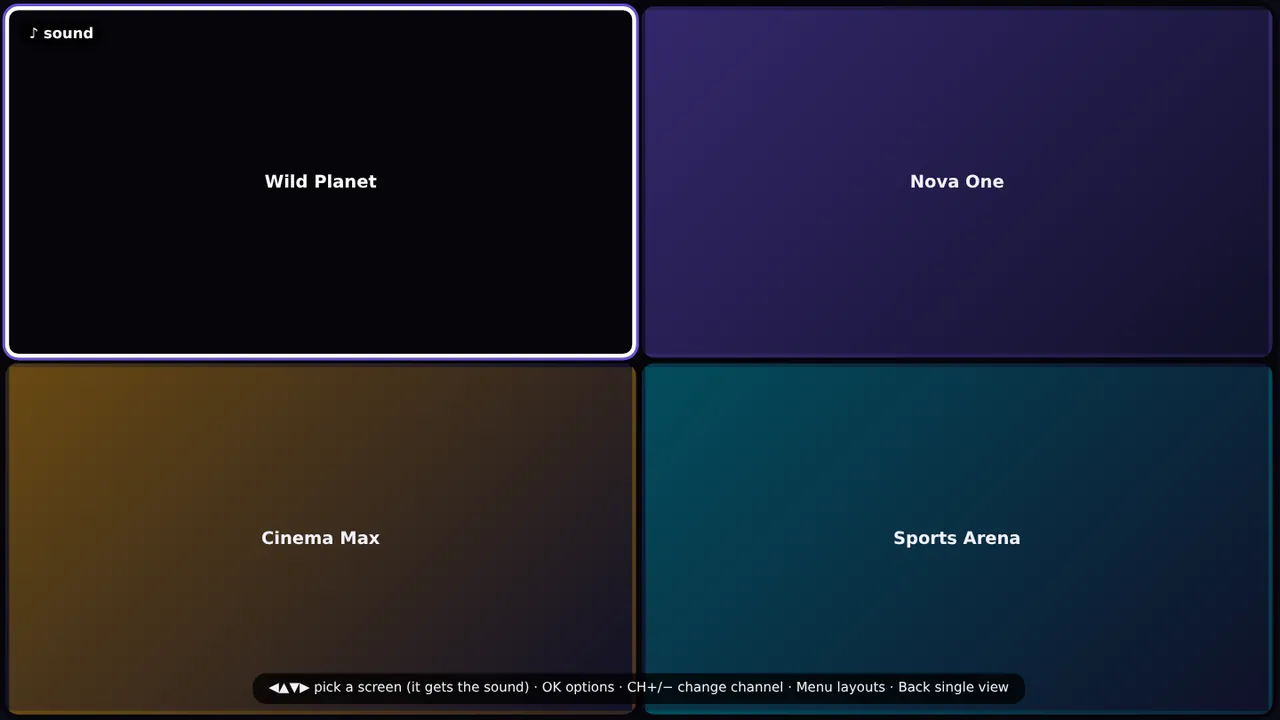
Put several channels on the screen together. The sound follows the tile you highlight, and the layouts grow with what your device can handle.
Family
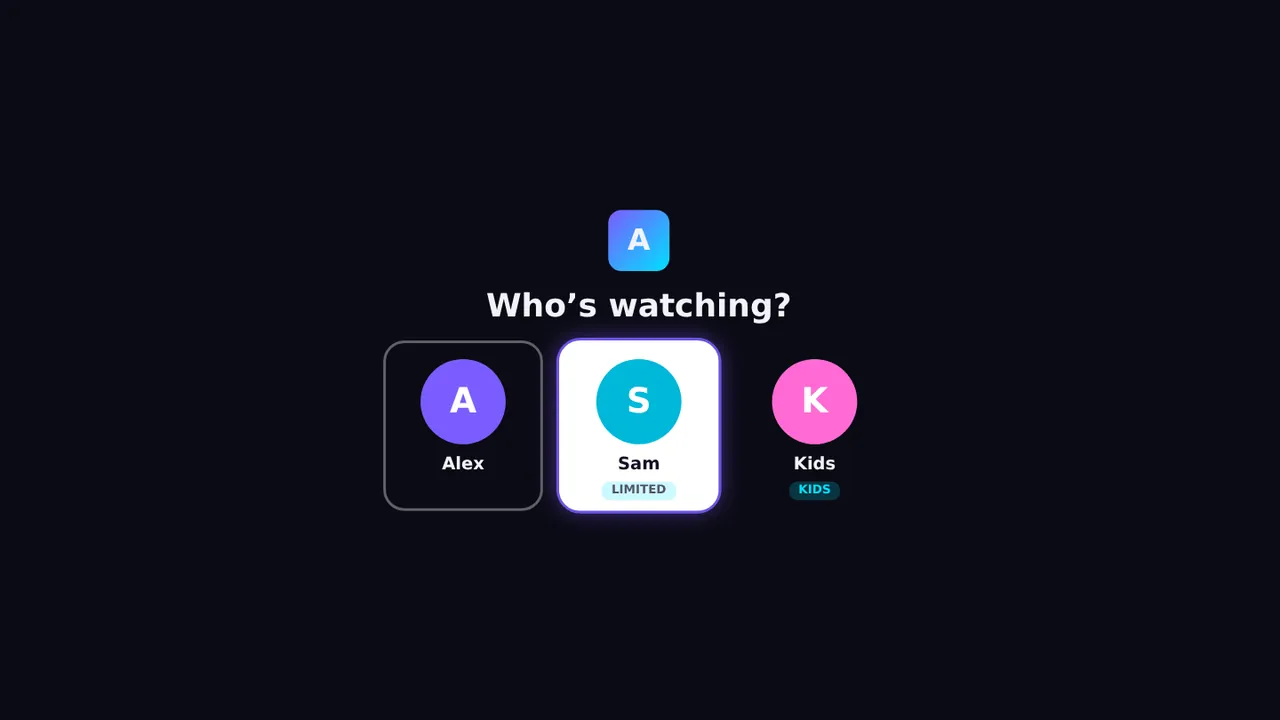
Everyone gets their own favourites and history. Kids profiles come with a PIN to leave, an age limit, a daily time limit and a bedtime.
No remote typing
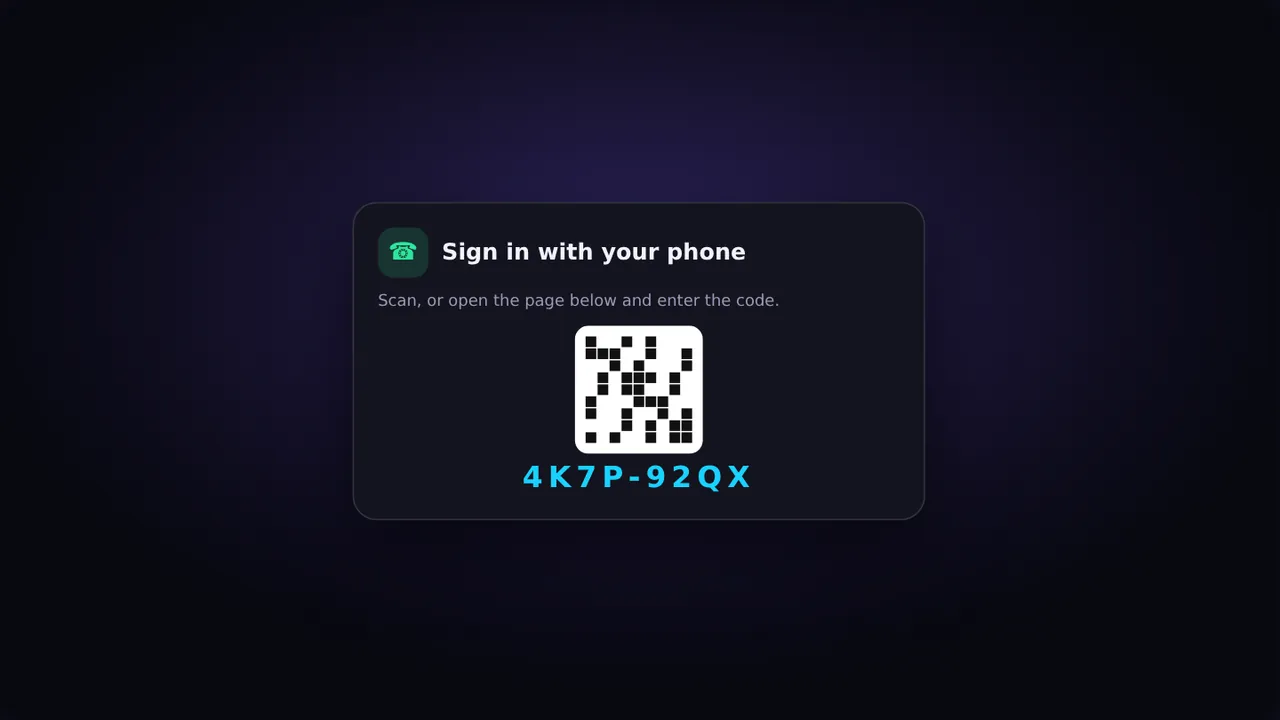
Your TV shows a QR code and a short code. Scan it, add your playlist on the phone, and the TV signs in by itself. No more typing on a remote.
AMP PRO is a player, nothing more. There are no channels, movies, shows, playlists or streams in the app, on this website or on our servers. We do not sell them, host them, link to them or tell you where to find them.
You add a playlist from a provider you have a right to use, and you decide what to watch. Only use content you are licensed or otherwise legally entitled to access.
Read the full disclaimer, the terms of use and our copyright policy.
Get going
No sign-up needed to try it.
Questions
No. AMP PRO is only a player. There is no content in the app or on this site. You bring your own playlist from a provider you are entitled to use.
The app is free to install and use, and every new account starts with a 7-day Premium trial. Premium is $1 a month through Google Play and adds backup, restore and sync across your devices.
Android TV and Google TV boxes and televisions, Amazon Fire TV, and Android phones and tablets.
No. You can add your playlist right in the app. A personal account is optional and lets you save playlists online and link devices by code.
From your own provider, such as a service you subscribe to, or a playlist you made yourself from content you own. We cannot recommend or supply one.
The app is all you need to start. Personal accounts, with saved playlists and linked TVs, are coming soon: leave your email and we will tell you the day they open.
One email when accounts open. Nothing else. Unsubscribe any time by asking us.
 AMP
AMP